
Quick verdict: this SillyTavern installation guide 2026 is for people who want a private, customizable AI roleplay setup and are comfortable following a few technical steps. SillyTavern is free and powerful, but it is not a one-click companion app. You install a local frontend, connect an AI backend, then tune characters, prompts, memory, images, and voice features yourself. If you want instant chat with no setup, a hosted AI companion will feel easier; if you want control, SillyTavern is worth the learning curve.

Prefer the no-install route? Try a ready-made AI companion instead.

What SillyTavern Actually Does
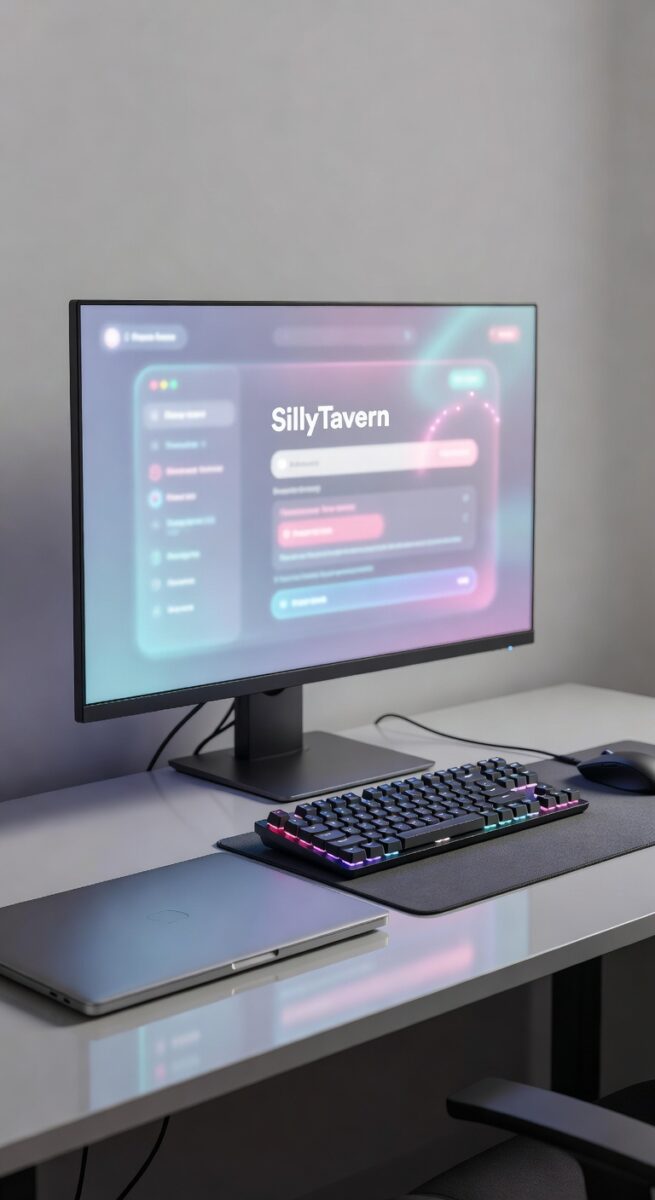
SillyTavern is a local interface for large language model conversations. It does not contain the AI model itself. Think of it as the control panel where you manage character cards, lorebooks, prompt formatting, model settings, visual novel mode, image extensions, text-to-speech, and chat history. The intelligence comes from whatever backend you connect: a cloud API, a community endpoint, or a local model running on your own machine.
That distinction matters because many searchers expect a normal sign-up-and-chat product. SillyTavern is closer to a hobbyist workstation for AI roleplay. You can get excellent private companion experiences from it, especially if you care about custom characters and detailed prompts, but you need to maintain the setup. If you are still comparing beginner-friendly options, the same-site guide to SpicyChat alternatives gives a useful hosted-app benchmark before you commit to a local install.

Before You Start: Requirements for 2026
The cleanest 2026 setup starts with a modern computer, a current browser, Git, and Node.js 20 or newer. SillyTavern can run on ordinary hardware when you use a cloud API or hosted backend. A powerful graphics card is only important if you plan to run local language models yourself. For local model use, an NVIDIA GPU with at least 6GB of VRAM is a practical baseline, but it is not required for the frontend.
Use the stable release branch unless you enjoy testing experimental changes. The release branch updates less often and is usually the better choice for beginners. The staging branch is for power users who want new features quickly and accept that something may break. Also decide where your data should live. The standard local setup keeps configuration and chat data inside the SillyTavern folder, while global-style installs use system data folders. Beginners should keep the default local structure because it is easier to back up and understand.
Windows Installation Guide
Windows is the most common starting point. The main safety rule is simple: do not install SillyTavern inside Windows-controlled folders such as Program Files, System32, or other protected locations. Create a normal folder such as C:AISillyTavern or C:ToolsSillyTavern so updates and dependencies can write files without permission problems. Also avoid running the start file as administrator unless official instructions specifically require it.
- Install Git for Windows and Node.js 20 or newer.
- Create a normal folder outside protected Windows directories.
- Open Command Prompt or PowerShell inside that folder.
- Clone the release branch from the official SillyTavern repository.
- Open the SillyTavern folder and run the provided start file.
- Wait for dependencies to finish installing, then let the browser interface open.
If you are not comfortable with command-line steps, the launcher route is usually easier. It still requires patience, but it reduces the number of manual commands you need to type. The first launch can take longer than later launches because the system downloads and prepares dependencies. Once everything is ready, future sessions are usually just a matter of starting the local server and opening the browser tab.

macOS and Linux Installation Guide
On macOS and Linux, installation is terminal-based. Install Git and Node.js first, then clone the official repository. Most users should clone the release branch rather than the staging branch. After cloning, move into the SillyTavern folder and run the start script. The script installs dependencies, starts the local server, and shows you the address to open in your browser.
- Install Git through Homebrew, your Linux package manager, or the official Git installer.
- Install Node.js 20 or newer.
- Clone the SillyTavern release branch from the official repository.
- Move into the new SillyTavern directory.
- Run the start script with ./start.sh or bash start.sh.
- Open the local browser address shown by the server.
Mac users sometimes hit permissions prompts the first time they run shell scripts. Linux users may need to make a script executable before running it. Neither issue means the install is broken. Read the terminal output, handle the permission request, and restart the script if needed. If you prefer a guided workflow, the SillyTavern Launcher exists for Linux and Mac as well, but manual Git installs remain the most transparent option for people who want to understand their setup.
Android Setup Through Termux
Android installation is possible through Termux, but it is not the best first choice for beginners. You are effectively running a small Linux-style environment on your phone. Install Termux from a trusted source, install Node.js and Git inside Termux, clone the SillyTavern repository, and run the same Linux-style start process. The interface then opens through a browser on the device.
The tradeoff is performance and comfort. A phone can be fine for lightweight API-based roleplay, but editing files, managing dependencies, and troubleshooting errors is more awkward on a small screen. If your goal is serious character building or frequent prompt tuning, desktop is more comfortable. If your goal is casual companion chat on mobile, a hosted app may be a better fit; the broader AI emotional wellbeing guide covers softer, easier companion-style use cases.

First Launch: Connect a Model Before You Judge It
After installation, SillyTavern may open successfully but still feel empty until you connect an AI backend. This is where beginners get confused. The frontend is only the shell. To start chatting, open the API or connection settings and choose a backend. You can use a cloud provider with an API key, a community service, or a local model server such as Ollama, KoboldCpp, LM Studio, or another compatible backend.
For a first test, keep the setup simple. Connect one backend, choose one starter character, send a short message, and confirm that responses work. Do not install a pile of extensions before the basic chat loop is stable. Once the first conversation works, you can tune temperature, context length, jailbreak-style prompt structure, character personality, response formatting, and memory behavior. Users who enjoy experimenting with relationship-style AI experiences may also like comparing more plug-and-play apps in this SillyTavern setup guide for local AI roleplay.
Character Cards, Lorebooks, and Roleplay Quality
The real value of SillyTavern appears after installation. Character cards let you define personality, background, speaking style, example dialogue, scenario, and greeting messages. Lorebooks can store world details, recurring facts, rules, places, relationships, or story context that the model should remember when relevant. This is why SillyTavern remains popular with roleplay users: it gives you far more structure than a basic chat window.
You might also like: AI Conversation Partners: Never Run Out of Things to Talk About
Good results depend on good inputs. A short character description can work, but a detailed card with clear tone, boundaries, interests, and sample messages usually performs better. Keep the first version simple, test a few chats, then improve the card. If you want a polished companion without spending time on cards and prompt tuning, compare it with ready-made platforms such as those discussed in the Candy AI review and the GirlfriendGPT review.
Privacy, Cost, and Safety Tradeoffs
SillyTavern can be very private, but only when the backend is private too. If you run local models on your own machine, conversations can stay on your device. If you connect a paid cloud API, your prompts are still sent to that provider according to its terms. SillyTavern itself is free, yet your total cost depends on the backend. Cloud APIs can charge by usage, while local models may require better hardware and more setup time.
For most users, the decision is not simply free versus paid. It is control versus convenience. SillyTavern gives more control over prompts, characters, and storage. Hosted AI companion apps give faster onboarding, better mobile polish, and less troubleshooting. If you are deciding between an open-source workspace and a commercial companion experience, the SillyTavern roleplay setup walkthrough and AI roleplay setup guide show how other parts of the network frame the same choice.
Troubleshooting Common Installation Problems
Node.js errors
If dependency installation fails, check your Node.js version first. SillyTavern expects Node.js 20 or newer in current installs. Updating Node.js and restarting the terminal fixes many first-run errors.
Windows permission problems
If the app cannot write files, move the folder out of protected Windows locations. A normal user folder is usually safer than Program Files. Running everything as administrator can create more confusion later, so fix the folder location first.
Browser opens but chat does not respond
This usually means the frontend is running but no backend is connected, the API key is wrong, or the local model server is offline. Confirm the model connection before changing character settings.
Port conflicts
If the local address does not open, another process may be using the same port. Restarting the computer or changing the configured port can solve it.
Who Should Use SillyTavern in 2026?
Use SillyTavern if you want deep customization, local files, custom character cards, model flexibility, and the option to run private local models. Skip it if you want a polished app that works immediately from your phone with no terminal, no API keys, and no maintenance. There is no shame in either choice. Power users will enjoy the freedom; casual users often prefer the convenience of a hosted AI companion.
Want companion chat without installing SillyTavern? Start with a hosted AI companion option.
FAQ
Is SillyTavern free?
Yes. SillyTavern itself is free and open source. Costs only appear if you use paid APIs, paid model access, or hardware for local models.
Do I need a powerful PC?
No for API-based use. Yes, or at least a stronger machine, if you want to run larger local models smoothly.
What is the easiest 2026 install method?
For Windows beginners, the launcher-style path is usually easiest. For people who want full control, Git-based installation on the release branch is cleaner and easier to update.
Can SillyTavern work for AI girlfriend roleplay?
Yes, especially if you like building your own characters and tuning the experience. If you want immediate profiles, mobile polish, and no setup, a hosted companion app is simpler.
How long does setup take?
A basic desktop install often takes under an hour. Connecting models, improving character cards, adding extensions, and fixing local-model performance can take longer.
Related reading: SillyTavern Installation Guide 2026: Windows, Mac, Linux and Android Setup
Related reading: Crush On AI Review 2026: Features, Pricing, Privacy Concerns and Safer Alternatives
"I was skeptical at first, but Candy.ai genuinely surprised me. The conversations feel incredibly natural."
Ready to Meet Your AI Companion?
Join 2,000,000+ users already on Candy.ai. Start chatting in under 30 seconds.
Start Chatting Now — It's Free →



Create Your Perfect AI Girlfriend on Candy.ai
Chat, voice call, and generate images with the most realistic AI companion available. No credit card required.
Create Your AI Girlfriend Free →✓ Free forever plan ✓ No signup required ✓ NSFW enabled